
AI isn’t magic, and it isn’t just for tech people. At its core, AI is a smart assistant that can read, write, sort, and suggest things for you—so you spend less time on repetitive tasks and more time on what actually matters.
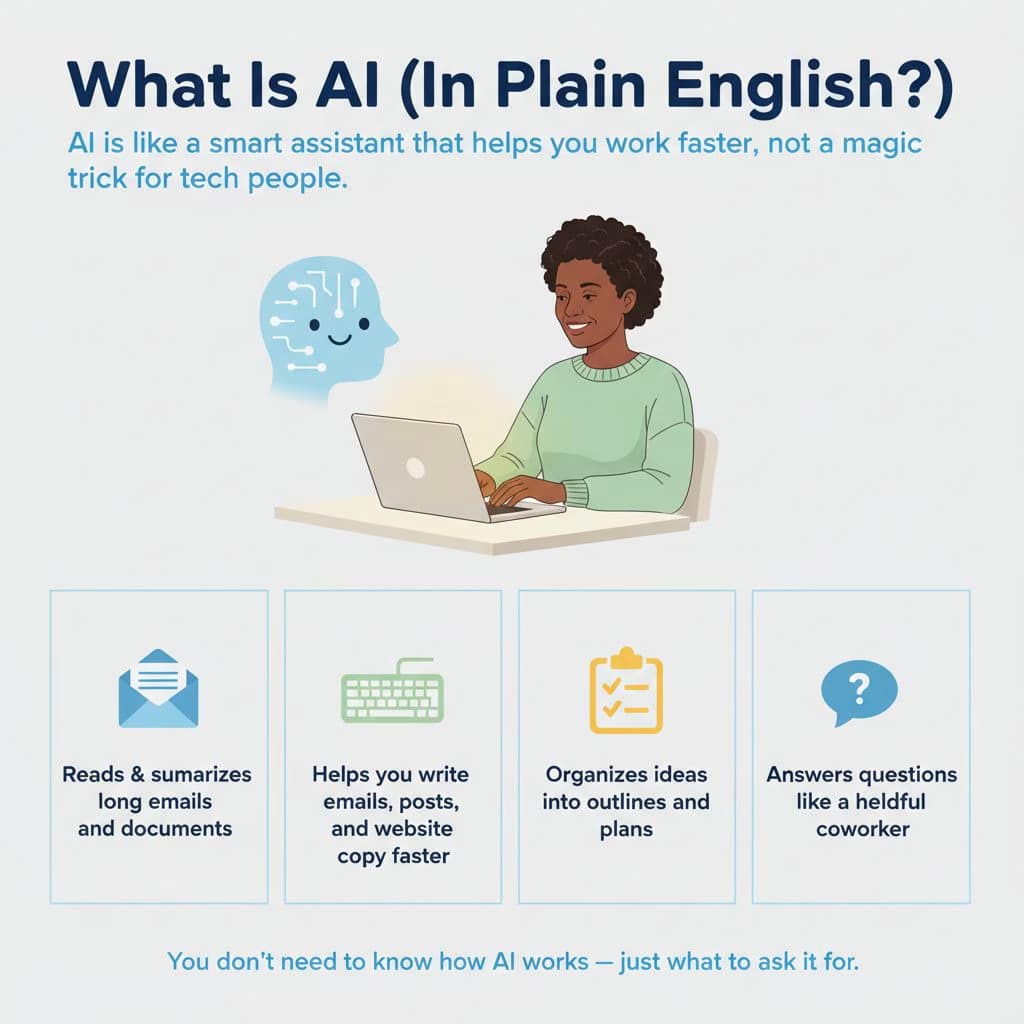
AI is a smart helper that can read, write, organize, and answer questions for you—so you spend less time on boring tasks and more time on what actually matters. your text here...
It can read and summarize long stuff for you.
Think: Emails · Articles · Documents
It can go through long emails, articles, or documents and give you the key points in a simple summary.
How to use it (with roles in the prompt)
- “Act as my email assistant. Summarize this email in 3 bullet points and tell me if I need to reply and what to say.”
- “Act as a content summarizer. Here’s an article. Give me the main ideas in under 150 words, in plain English.”
- “Act as my meeting prep assistant. Read this document and list the 5 most important takeaways I should know before a meeting.”
AI can help you write faster
Think: Emails · Social posts · Website copy
It can help you draft emails, social media posts, and website text so you don’t have to start from scratch.
How to use it (with roles in the prompt)
- “Act as my professional email writer. Write a polite reply to this email that says I’m interested but need more details about pricing.”
- “Act as a social media copywriter. Draft a LinkedIn post about [topic] in a friendly, professional tone. Keep it under 150 words.”
- “Act as a web copywriter for a small business. Write a short ‘About Us’ section for a local [type of business] that sounds warm and trustworthy.”
Organize your thoughts
Think: Outlines · Bullet points · Simple plans
AI can turn messy notes and ideas into clear outlines, bullet lists, or step‑by‑step plans.
How to use it (with roles in the prompt)
- “Act as my content organizer. Here are my rough notes. Turn them into a clear outline for a blog post with headings and bullet points.”
- “Act as a project planner. Make a simple step-by-step plan for launching a new next month.”
- “Act as my presentation assistant. Turn this brainstorm into 5 clear bullet points I can use in a slide.”
Answer questions like a helpful coworker
Think: Explaining · Suggesting · Clarifying
AI can answer questions in a friendly, straightforward way—like a coworker who’s good at explaining things.
How to use it (with roles in the prompt)
- “Act as a teacher for beginners. Explain this in simple terms, like I’m new to the topic: [paste text].”
- “Act as a marketing advisor for a small local business. What are some ideas to promote my [business type] on a small budget?”
- “Act as my problem-solving coach. I’m stuck on this problem: [describe it]. Give me 3 practical options I could try, with pros and cons.”
What you need to do
You don’t need to understand the tech. You just need to:
1. Give the AI a role (email assistant, planner, writer, teacher, etc.)
2. Say what you want back (summary, draft, bullets, plan, ideas)
Do that, and AI stops being a buzzword and starts being a real assistant you can use every day to save time and get things done.
..