
How to use AI for small business
AI isn’t just for big tech companies anymore.
For small businesses and busy professionals, AI is basically a smart helper that can:
- read and summarize information
- write and edit content
- organize your ideas
- answer questions clearly
The goal is simple:
Spend less time on boring tasks and more time on what actually matters—your customers, your growth, and your life.
You don’t need to understand how the technology works.
You just need to know how to ask it for help.
Below are four practical ways to use AI today, plus copy‑paste prompts you can use right away.
1. Use AI to Read and Summarize Long Stuff for You
Best for: emails, articles, reports, client documents
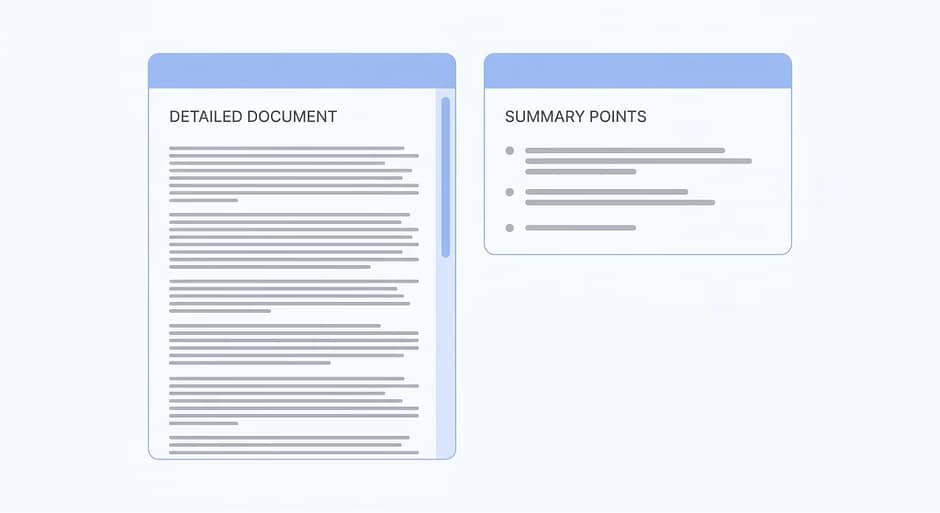
AI can scan long text and give you the key points in a short, clear summary so you don’t have to read every line.
What AI can do here:
- Summarize long emails, so you know what’s important
- Pull out main ideas from articles or blog posts
- Highlight key takeaways from reports or proposals
Try prompts like:
- “Act as my email assistant. Summarize this email in 3 bullet points and tell me if I need to reply and what to say.”
- “Act as a content summarizer. Here’s an article. Give me the main ideas in under 150 words, in plain English.”
- “Act as my meeting prep assistant. Read this document and list the 5 most important takeaways I should know before a meeting.”
Use this anytime you see a wall of text and think, “I don’t have time for this.”
2. Use AI to Write Faster (Without Starting From Scratch)
Best for: emails, social media posts, website copy
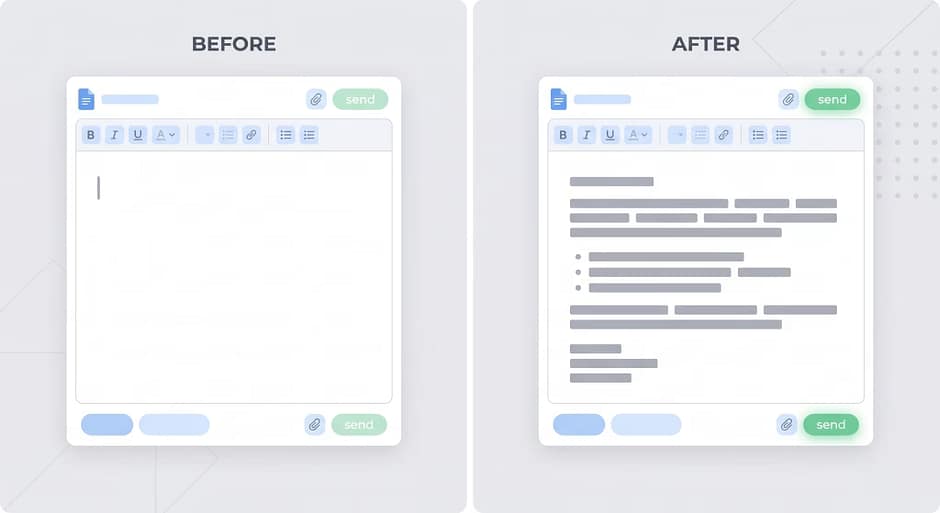
AI is great at giving you a first draft so you’re never starting from a blank page.
What AI can do here:
- Draft polite, professional emails
- Write social media posts (LinkedIn, Facebook, Instagram)
- Help with website copy, like “About Us” and service pages
Try prompts like:
- “Act as my professional email writer. Write a polite reply to this email that says I’m interested but need more details about pricing.”
- “Act as a social media copywriter. Draft a LinkedIn post about [topic] in a friendly, professional tone. Keep it under 150 words.”
- “Act as a web copywriter for a small business. Write a short ‘About Us’ section for a local [type of business] that sounds warm and trustworthy.”
You can then tweak the tone, add details, and hit send or publish.
Think of AI as your drafting assistant, not your replacement.
3. Use AI to Organize Your Thoughts and Plans
Best for: outlines, content ideas, simple project plans
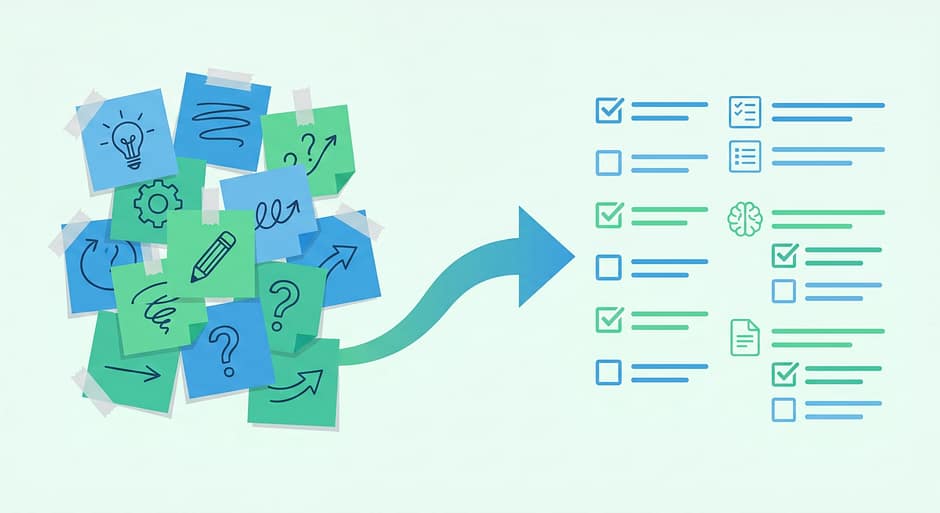
If your notes are a mess, AI can turn them into something clear and usable.
What AI can do here:
- Turn rough notes into a blog outline
- Break a project into clear steps
- Turn brainstorms into bullet points or slide content
Try prompts like:
- “Act as my content organizer. Here are my rough notes. Turn them into a clear outline for a blog post with headings and bullet points.”
- “Act as a project planner. Make a simple step-by-step plan for launching a new next month.”
- “Act as my presentation assistant. Turn this brainstorm into 5 clear bullet points I can use in a slide.”
This is perfect when your brain is full, but your document is empty.
4. Use AI to Answer Questions Like a Helpful Coworker

Best for: learning, marketing ideas, problem‑solving
AI can explain things in normal language and help you think through options.
What AI can do here:
- Explain complex topics in simple terms
- Suggest marketing ideas for your business
- Help you weigh the pros and cons of different choices
Try prompts like:
- “Act as a teacher for beginners. Explain this in simple terms, like I’m new to the topic: [paste text].”
- “Act as a marketing advisor for a small local business. What are some ideas to promote my [business type] on a small budget?”
- “Act as my problem-solving coach. I’m stuck on this problem: [describe it]. Give me 3 practical options I could try, with pros and cons.”
Use AI the same way you’d talk to a smart coworker who’s good at explaining things.
The Only Two Things You Really Need to Do
You don’t need to learn “AI.”
You just need to do two simple things when you write a prompt:
- Give the AI a role
- email assistant, planner, writer, teacher, marketing advisor, etc.
- Say what you want back
- summary, draft, bullet points, plan, ideas, pros and cons, etc.
Examples:
- “Act as my email assistant. Summarize this email in 3 bullet points and suggest a short reply.”
- “Act as my content planner. Give me 10 blog post ideas for a local [business type], each with a one-sentence description.”
Do this, and AI stops being a buzzword and starts being a real assistant you can use every day to:
- save time
- reduce mental load
- get more done with less effort
Conclusion

AI doesn’t replace your judgment, your experience, or your personality.
It just helps with the heavy lifting: reading, writing, organizing, and explaining.
Start small:
- Use it to summarize one long email
- Use it to draft one social post
- Use it to turn one messy note into an outline
Once you see how much time it saves, you’ll wonder why you didn’t start sooner.